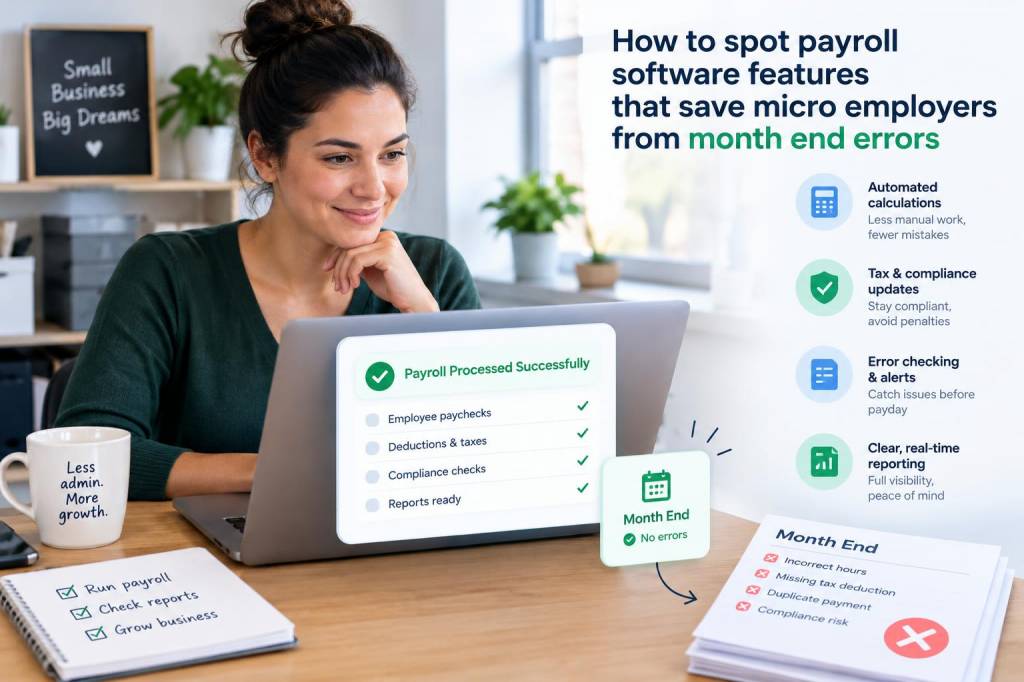
Month-end payroll is where small mistakes often become expensive, stressful, and surprisingly visible. In my experience, micro-employers feel that pressure most sharply because there is usually no dedicated payroll team, no spare admin capacity, and very little room for rework once pay has gone out. When I evaluate payroll software for small UK businesses, I am not looking for flashy dashboards first. I am looking for features that quietly prevent errors before they reach HMRC, employees, or my own month-end reconciliation.
For a micro-employer, a payroll platform should do more than calculate wages. It should reduce manual entry, highlight anomalies, keep records tidy, and make every repeat task feel routine rather than risky. I often say that a strong payroll system earns its value not when everything is perfect, but when something unusual happens and the software catches it early. That is where month-end errors are avoided.
Automated checks that catch unusual pay changes
One of the first features I look for is built-in anomaly detection. A good payroll system should flag changes that look unusual compared with prior periods, such as a sudden jump in hours, an unexpected bonus, a duplicated payment, or a missing deduction. Micro-employers rarely have time to compare every payslip line by line, so software needs to act like a second set of eyes.
I find this especially valuable when staff hours fluctuate. If someone usually works twenty hours and suddenly appears with forty, I want the system to ask a question before I approve payroll. That small pause can prevent an overpayment, a correction later, and an awkward conversation with an employee who has already relied on incorrect net pay.
Useful warning features often include:
- comparison against prior pay periods
- alerts for duplicate employee records
- checks for missing timesheets or approval data
- flags for unusually large deductions or reimbursements
- notices when pay elements change without a reason code
Reliable holiday and absence tracking
Holiday pay errors are among the most common month-end headaches I see. If leave balances are stored separately from payroll, mistakes become more likely. A strong system should connect absence data with pay calculations so holiday taken, holiday accrued, sick leave, and unpaid leave all feed into one accurate result.
I look for software that updates holiday balances in real time and shows me exactly how each absence affects gross pay. That matters because micro-employers often manage leave manually at first, then discover that a spreadsheet does not cope well with part-time staff, irregular work patterns, or carry-over rules. Once those details are scattered across email threads and paper notes, month-end reconciliation becomes much harder than it needs to be.
When holiday and absence data are properly linked, I can spot problems such as:
- holiday booked but not approved
- duplicate leave entries
- negative balance warnings before payroll run
- sick leave recorded without a return date
- incorrect treatment of bank holiday entitlement
RTI and HMRC submission support
For UK employers, payroll software needs to handle RTI submissions smoothly. I place a lot of value on systems that reduce the chance of filing mistakes because even a small error can create follow-up work with HMRC. A good platform should validate employee details, tax codes, National Insurance data, and submission timing before anything is sent.
What I personally want is reassurance that the software is not simply calculating pay, but also protecting compliance. This includes automatic reminders for FPS and EPS submissions, clear filing status indicators, and a visible audit trail showing what was sent, when, and by whom. If something goes wrong, I need to know where it went wrong quickly.
For micro-employers, that audit trail is more than a nice extra. It can save hours at month-end when someone asks why a payment did not match the payroll summary. If the system stores submission history neatly, I can trace the issue instead of starting from zero.
Simple approval workflows before payroll is final
I am cautious about payroll systems that let users push straight through to payment without a review step. Even in a business with only a handful of employees, a final approval workflow can stop a lot of avoidable mistakes. Ideally, I want software that separates draft payroll from approved payroll and makes each stage clear.
This is especially useful when payroll input comes from different people. Maybe one person collects timesheets, another records overtime, and I review everything before submission. Without a proper approval stage, changes can slip in unnoticed. A good workflow creates a pause for validation and makes responsibility visible.
Features I value in this area include:
- draft payroll review before final submission
- approval by user with designated permissions
- comment fields for unusual items
- version history showing what changed
- lockdown after approval so figures cannot be edited accidentally
Real-time links with bookkeeping software
One of my strongest preferences is payroll software that connects cleanly with bookkeeping software. When payroll journals are posted automatically, month-end becomes much less fragile. I no longer need to manually copy figures across systems or risk posting gross pay, employer costs, or liabilities to the wrong account.
I also look for clear categorisation of payroll costs. A payroll system that separates wages, employer National Insurance, pension contributions, and student loan deductions makes month-end review far easier. If everything is dumped into one generic expense line, I lose visibility and make later analysis more difficult.
For small businesses trying to grow, that integration also helps with cash flow planning. Once payroll data flows into accounts in a structured way, I can see the real cost of employment sooner and make better decisions about hiring, bonuses, or staffing levels.
| Feature | Month-end risk reduced | Why I value it |
|---|---|---|
| Anomaly alerts | Overpayments, duplicates, missing entries | Flags unusual changes before pay is released |
| Holiday and absence tracking | Incorrect leave pay | Keeps entitlement and payroll data aligned |
| RTI validation | HMRC submission issues | Helps prevent filing errors and follow-up work |
| Approval workflow | Unauthorised changes | Adds a final review step before payroll is locked |
| Accounting integration | Posting mistakes | Reduces manual journal entry and reconciliation strain |
Employee self-service that reduces admin noise
Another feature I rate highly is employee self-service. When workers can view payslips, update basic details, and check leave balances themselves, payroll admin becomes more accurate and less reactive. I have seen many month-end issues start with simple communication gaps: an address not updated, a bank detail changed too late, or a payslip query raised after payroll has already closed.
Self-service does not replace review, but it does shift low-value tasks away from the payroll process. That means fewer emails, fewer manual corrections, and fewer chances for me to overlook an important update buried in a long message thread.
I prefer systems where employees can:
- download payslips securely
- view current holiday balance
- update contact details with approval controls
- submit timesheets or overtime claims
- receive payroll notices in one place
Flexible handling for irregular workers
Micro-employers often hire part-time staff, casual workers, seasonal workers, or mixed-pattern employees. Payroll software needs to handle that variety without making every cycle feel like a custom project. I look for flexible pay schedules, support for variable hours, and easy management of multiple pay elements.
In practice, this means software should handle employees who work different hours each month without creating duplicate setup tasks. If a system is rigid, users start bending rules manually, and that is when month-end mistakes multiply. Flexibility is not a luxury feature for small employers; it is often a necessity.
I also like software that stores different payment types clearly, such as:
- hourly pay
- salary
- overtime
- commission
- expenses through payroll where appropriate
- statutory payments
Clear reporting that makes reconciliation easier
I always check reporting tools closely because good payroll reports save so much time at month-end. I want summary reports that match bank payments, pension records, and bookkeeping entries without requiring detective work. If I need five reports to understand one pay run, I consider that a warning sign.
The most helpful reporting features are often quite plain: totals by employee, totals by pay element, liability reports, payment summaries, and variance reports against prior months. A strong report set lets me spot a discrepancy before it becomes a correction note or a payroll journal adjustment.
In a small business, reconciliation speed matters because payroll is rarely the only task on my desk. Software that turns data into clear action points helps me close month-end faster and with more confidence.
Access controls and audit trails
Security is not separate from accuracy. I pay close attention to access controls because poor permissions can create payroll errors as easily as poor calculations can. If too many people can edit core payroll data, the risk of accidental change rises quickly.
I want payroll systems to allow role-based access, so each user sees only what they need. I also want a complete audit trail showing edits, approvals, and submissions. When I review a payroll issue, that history is often what saves me from guesswork. It tells me whether a figure changed during setup, approval, or after finalisation.
This matters even more when the person running payroll also handles bookkeeping, customer queries, or operations. In micro-businesses, one person often wears several hats. A strong audit trail keeps those moving parts visible.
Mobile access without losing control
Mobile access can be useful, especially for busy owners who approve payroll away from their desk. Still, I only see it as valuable when it preserves control. I do not want a mobile app that makes approval too casual or hides key figures behind a simplified screen. If I am signing off pay on a phone, I still need enough detail to spot a mistake.
The best mobile-friendly systems show enough summary information to support a quick review, while keeping sensitive actions protected. For a micro-employer, that balance is important because payroll decisions often happen between meetings, outside office hours, or while business owners are handling something entirely different.
When I am assessing a platform, I ask myself a simple question: does this feature reduce month-end work, or does it merely make the software feel modern? If it does not reduce risk, reduce admin, or improve clarity, it probably will not earn its place in a small business payroll process.